
Asset types and type-specific fields
Managing asset types
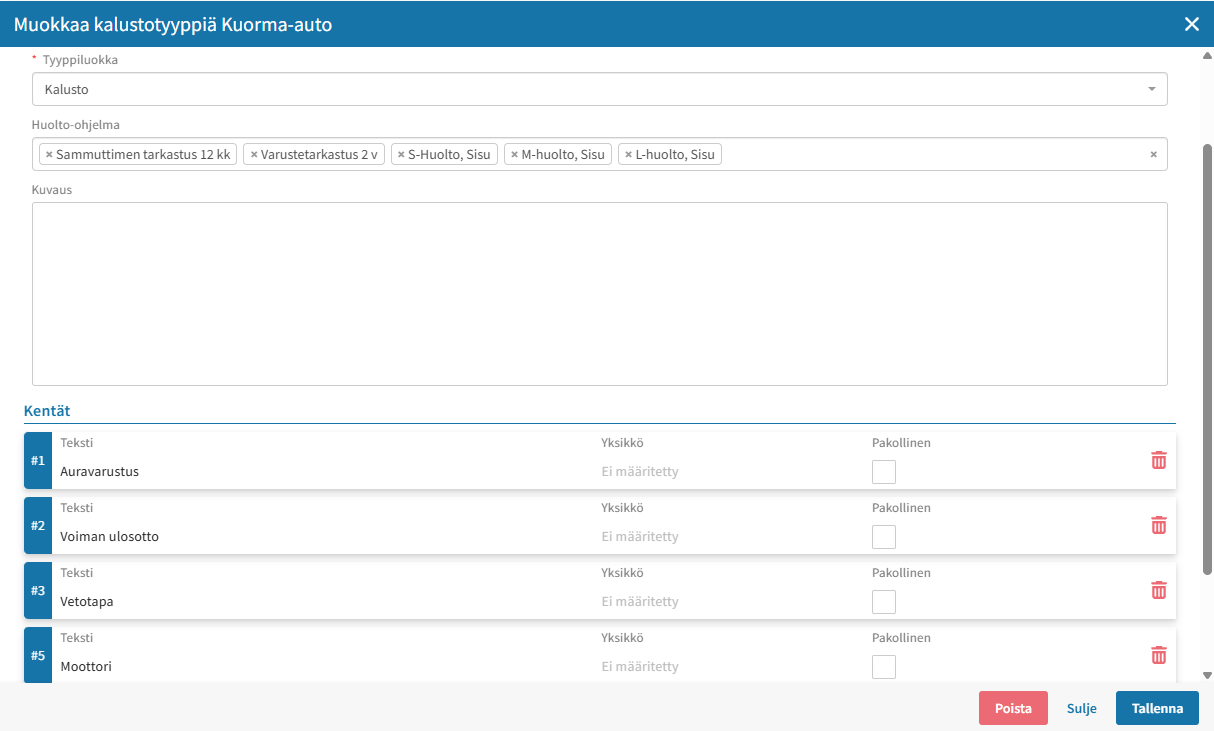
An asset type defines the category to which an individual asset belongs (e.g., passenger car, truck, heavy machinery). The asset type determines which custom fields appear on the Details tab of the asset card. You can create new asset types and edit existing ones in this view.
Fields
On the Fields tab, you define the custom fields specific to each asset type: the name of each field, the field type (e.g., text, number, date, selection list), and, if applicable, the unit (e.g., liter, kg). This allows you to record information relevant specifically to each asset type – such as separate fields for heavy machinery and vehicles – without having to share the same fields across all asset types.
Field groups
Field groups allow you to organize fields into logical sections on the asset card, making it easier to find information – especially when an asset type has many custom fields.
Changes to asset types and fields affect all assets of that type, so updates should be made carefully and only by administrators.