Map – search filters & saving favorites
Asset search and filter functions on the map
You can save custom filters directly on the map for quick access later. This feature replaces the previous vehicle groups functionality.
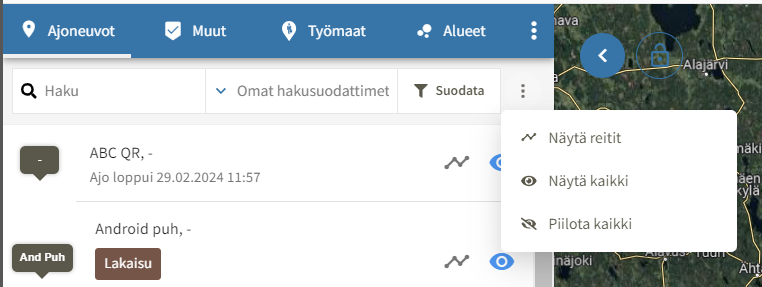
You can search for assets using both keyword search and filters.
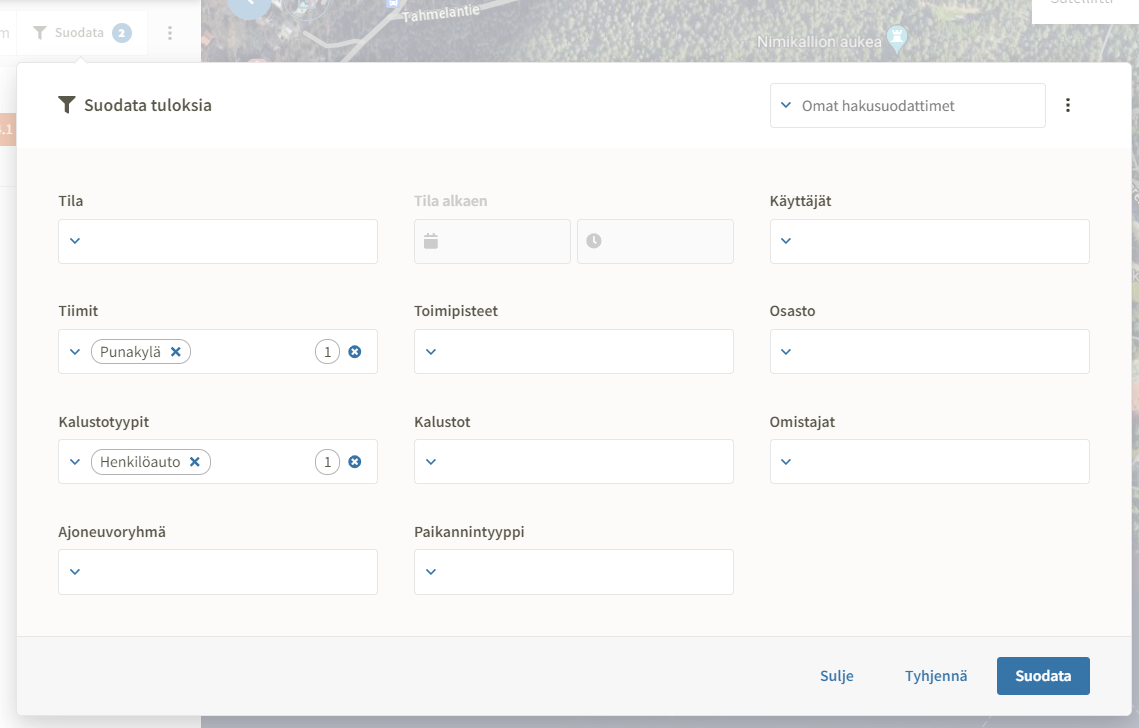
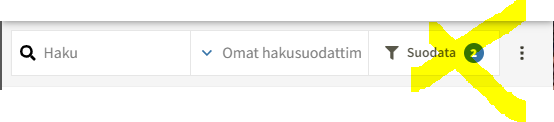
The number of active filters is displayed in the map's search bar.
Custom search filters
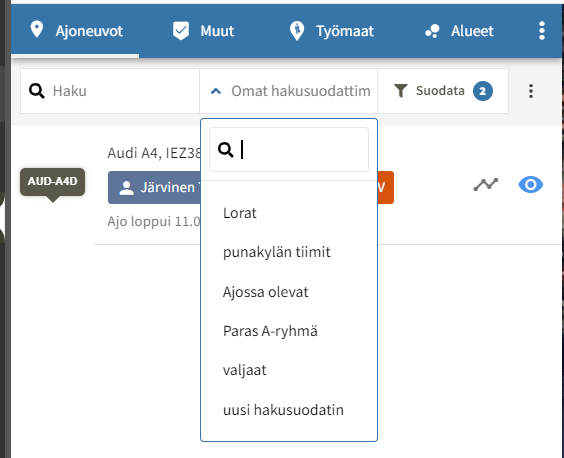
Search filters saved by the user can be found in the search bar.
Editing and saving custom filters
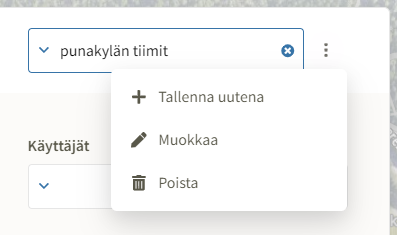
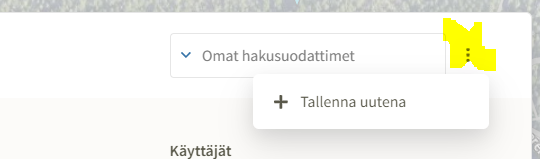
You can save selected filters for quick access from the top right corner of the filter window.
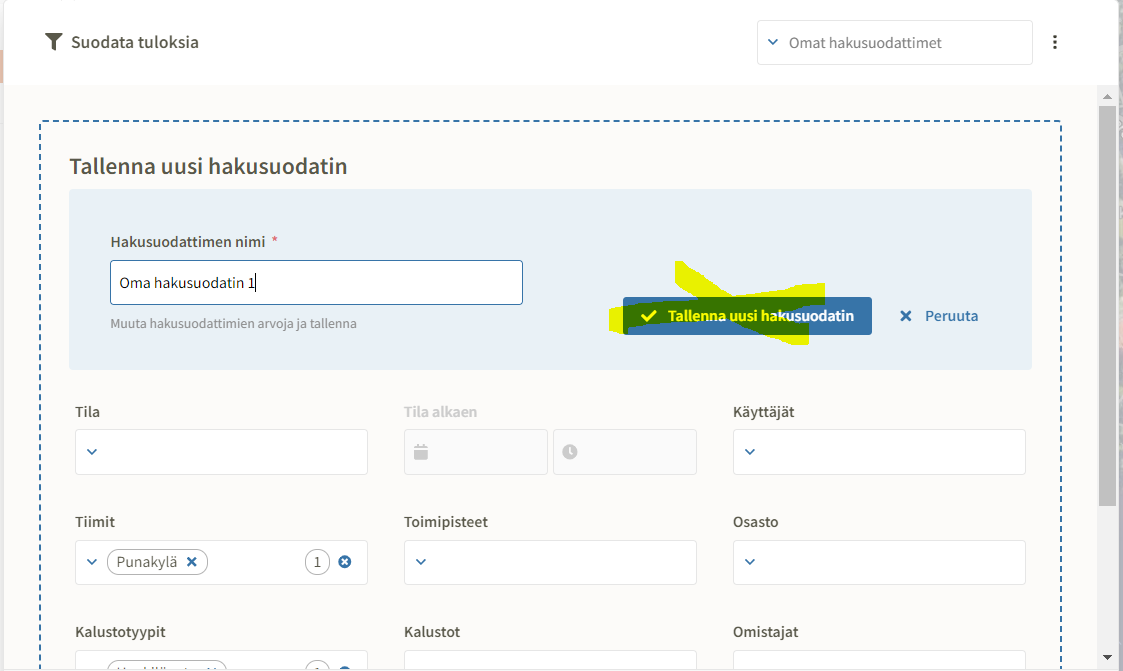
Name the filter and select "save new search filter."
Previously saved filters can be found in the top right corner of the filter window.
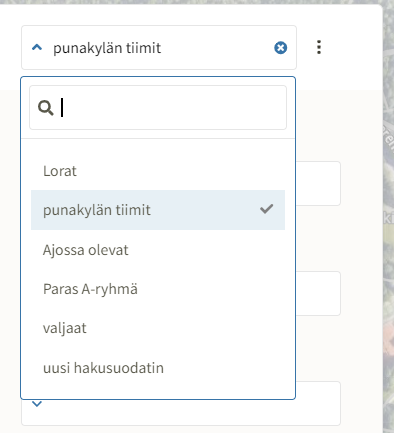
Once a custom filter is selected, it can be edited, saved, or deleted via the action menu.