
Working in an area
Arriving at the area
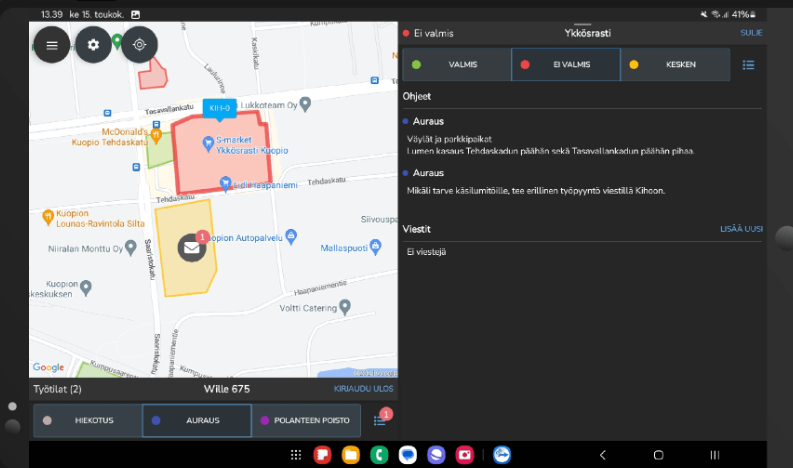
When an employee arrives at an area, the area details open on the screen.
First, select a working status, after which you can begin work. If the same working status continues in the next area, you do not need to make the selection again.
When the work is done, mark the area as completed. If the area still requires additional work or follow-up, select In progress.
≈≈
Adding a working status to favorites
- Open the working status list and tap the star icon next to the desired working status.
- Favorite working statuses will be displayed on the screen, making them easier to select directly from the start view.
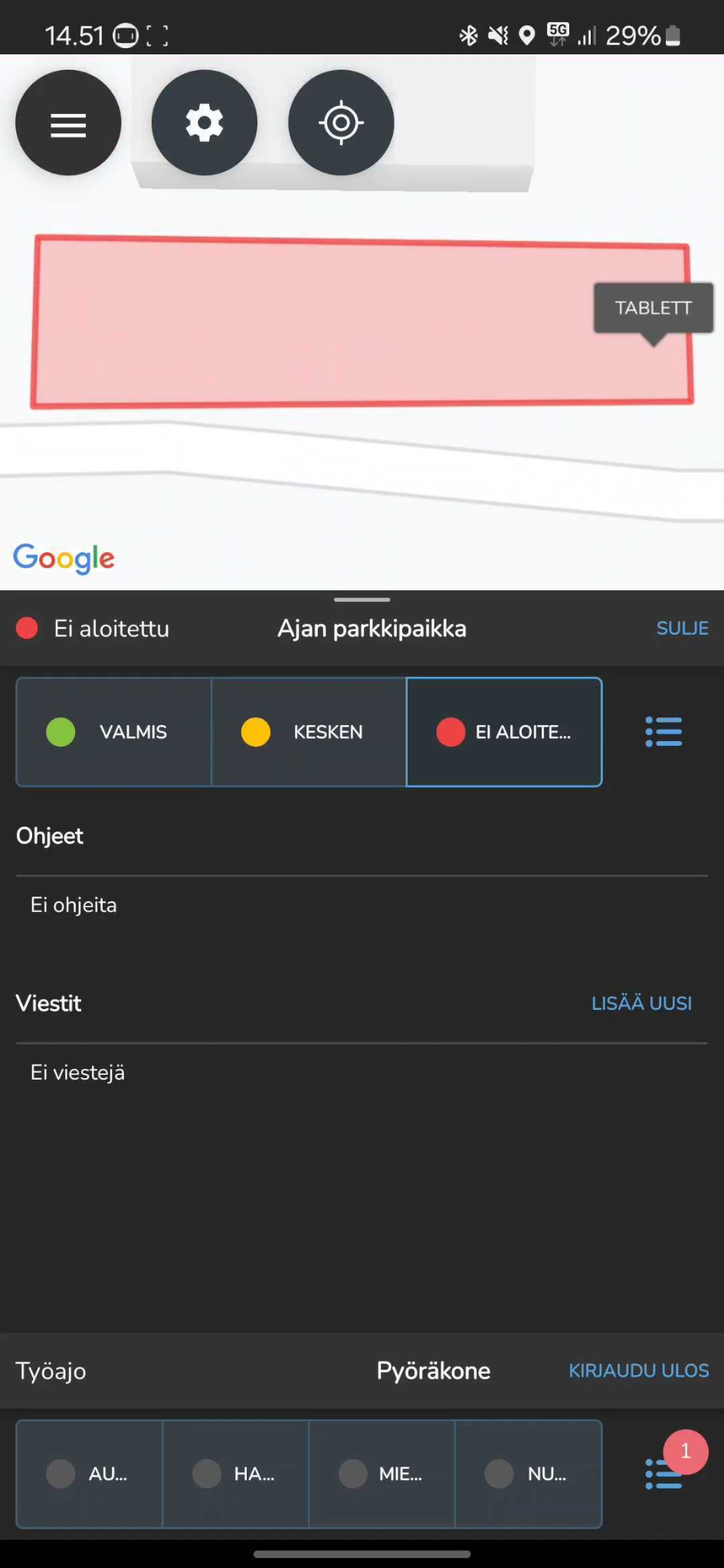
- Change the area status once the area is completed or if it requires notes/additional work
- Under Instructions, you can see the guidelines for the area
- From the Messages section, you can send a message to supervisors or to the field (area in progress)
- If the same working status continues in the next area, you do not need to make the selection again